
All Post
10 Best macOS Apps in 2026: Essential Apps for Every Mac User

Solt Wagner

Notion Certified Creator
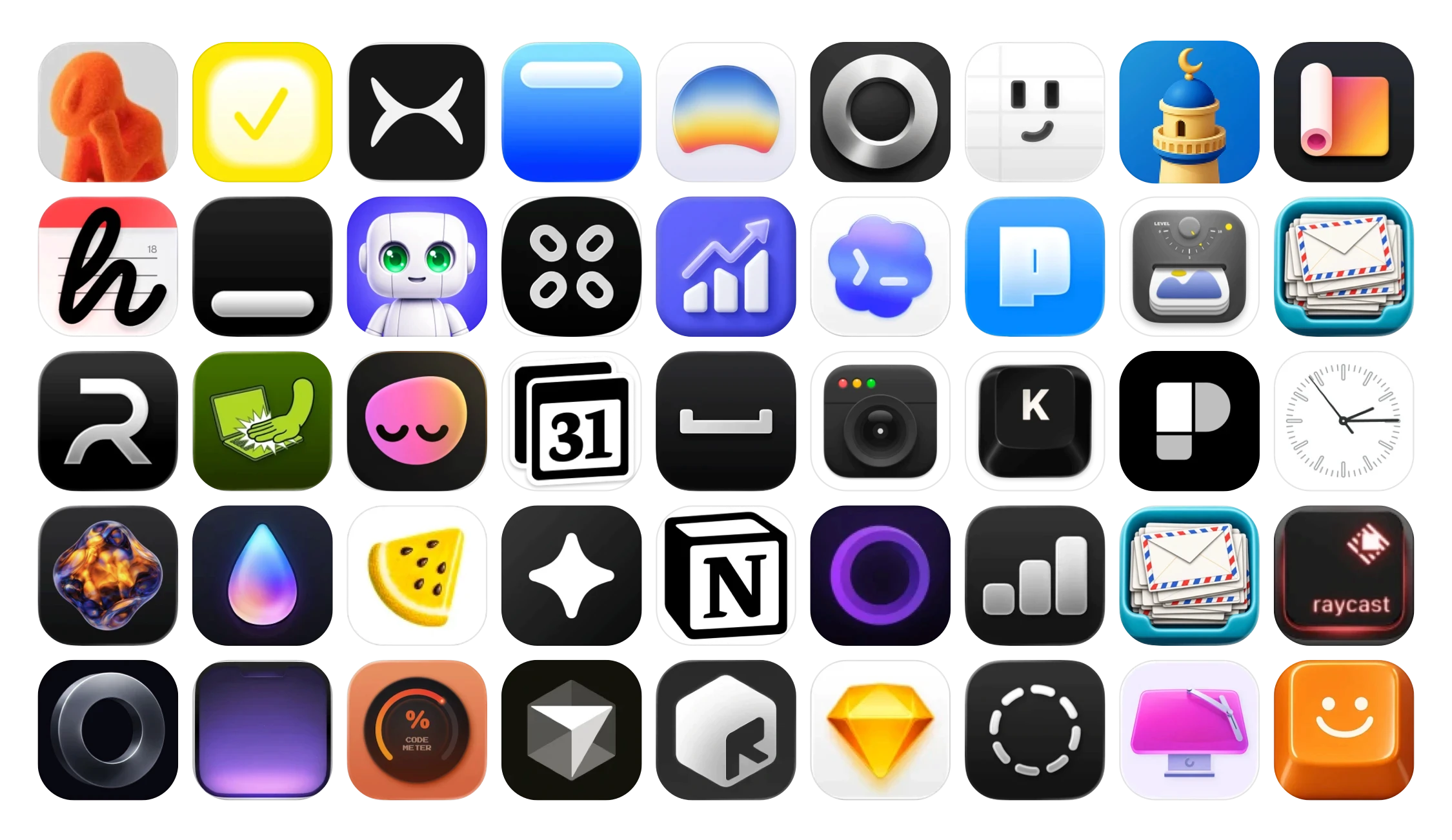
Table of Contents for
10 Best macOS Apps in 2026: Essential Apps for Every Mac User
Get lifetime access
Get lifetime access to all current and future Notion templates at any time.
✓ Lifetime access to current templates
✓ Lifetime access to new templates
✓ Unlimited access and downloads
✓ Over $590+ value
✓ 18 Premium Notion Templates
✓ 17 Simple Templates
60% Off

The best macOS apps do more than add new features to your Mac. They make everyday tasks faster, remove repetitive work, improve your workflow, and help you get more out of macOS.
While popular apps like Notion, Raycast, and CleanShot get plenty of attention, there is a growing ecosystem of beautifully designed independent Mac apps that solve specific problems in smarter ways.
Whether you are looking for the best Mac productivity apps, a powerful clipboard manager, useful macOS utilities, better note-taking tools, or simply something new for your setup, these are some of the best macOS apps worth discovering in 2026.
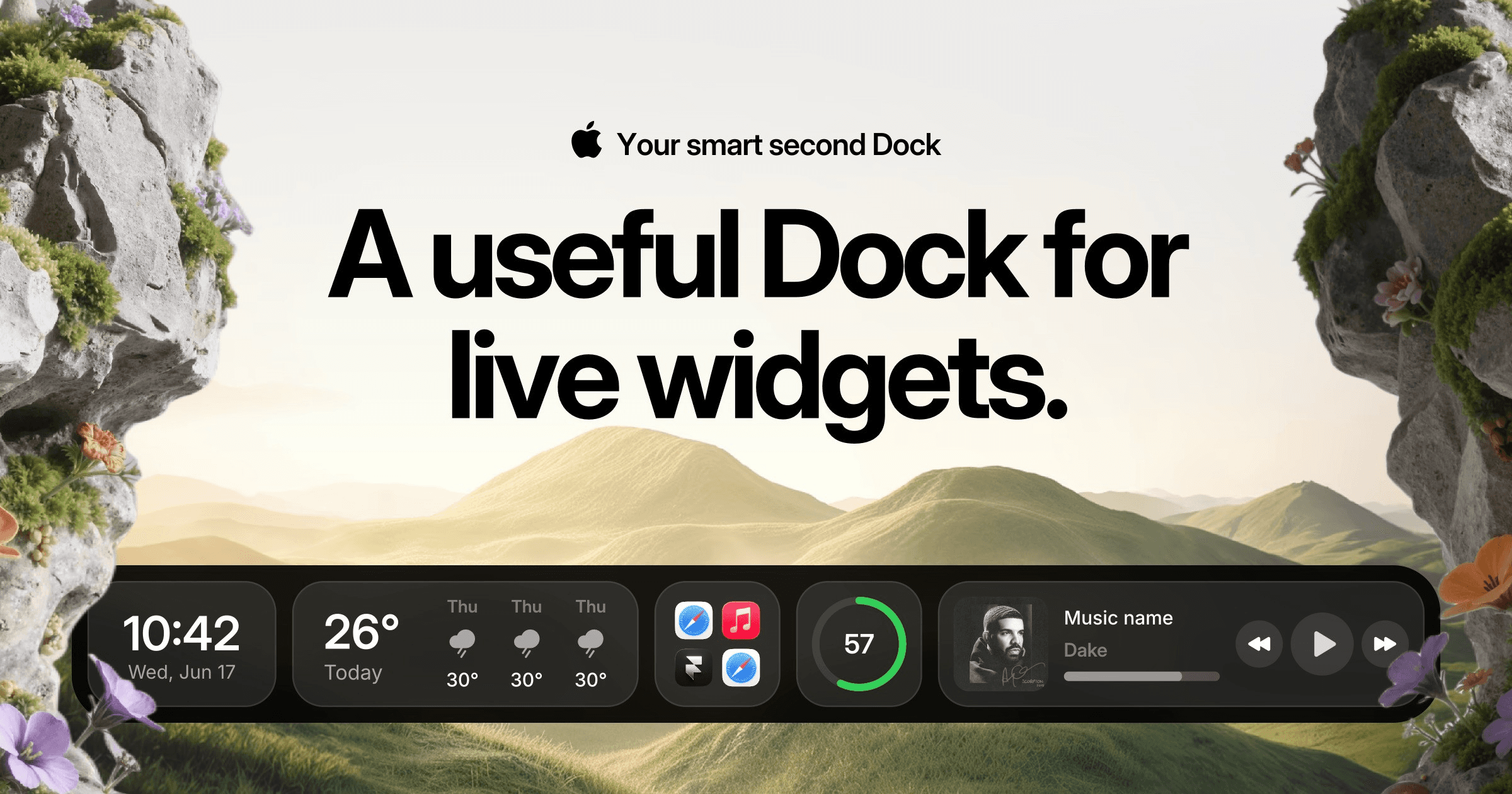
1. Cooldock — A Smarter Second Dock for Your Mac
Best for: Productivity, widgets, quick access, and customizing your Mac workspace
Cooldock adds a powerful second Dock to your Mac alongside the native macOS Dock. Instead of only holding apps, it can bring together widgets, files, folders, shortcuts, system controls, calendars, reminders, weather, system statistics, developer tools, analytics, and much more in one customizable workspace.
It is especially useful for people who spend all day on their Mac and want frequently used information and actions available without constantly opening different apps.
With support for live widgets and multiple productivity tools, Cooldock turns the traditional Mac Dock into something closer to a customizable control center.
Why it stands out: It combines app launching, widgets, utilities, files, productivity tools, and live information in one place.
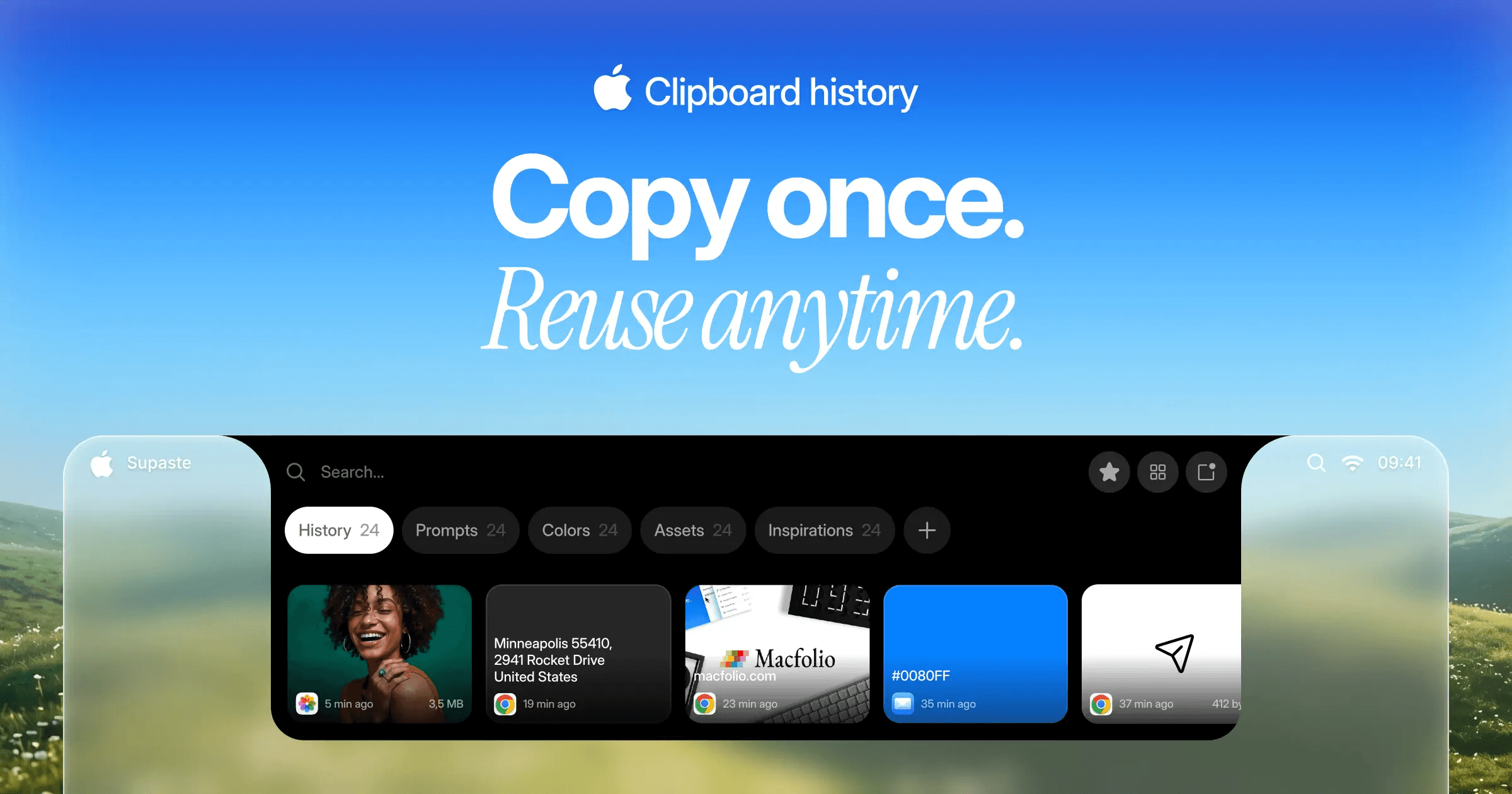
2. Supaste — A Visual Clipboard Manager for Mac
Best for: Clipboard history, screenshots, copied files, and reusable content
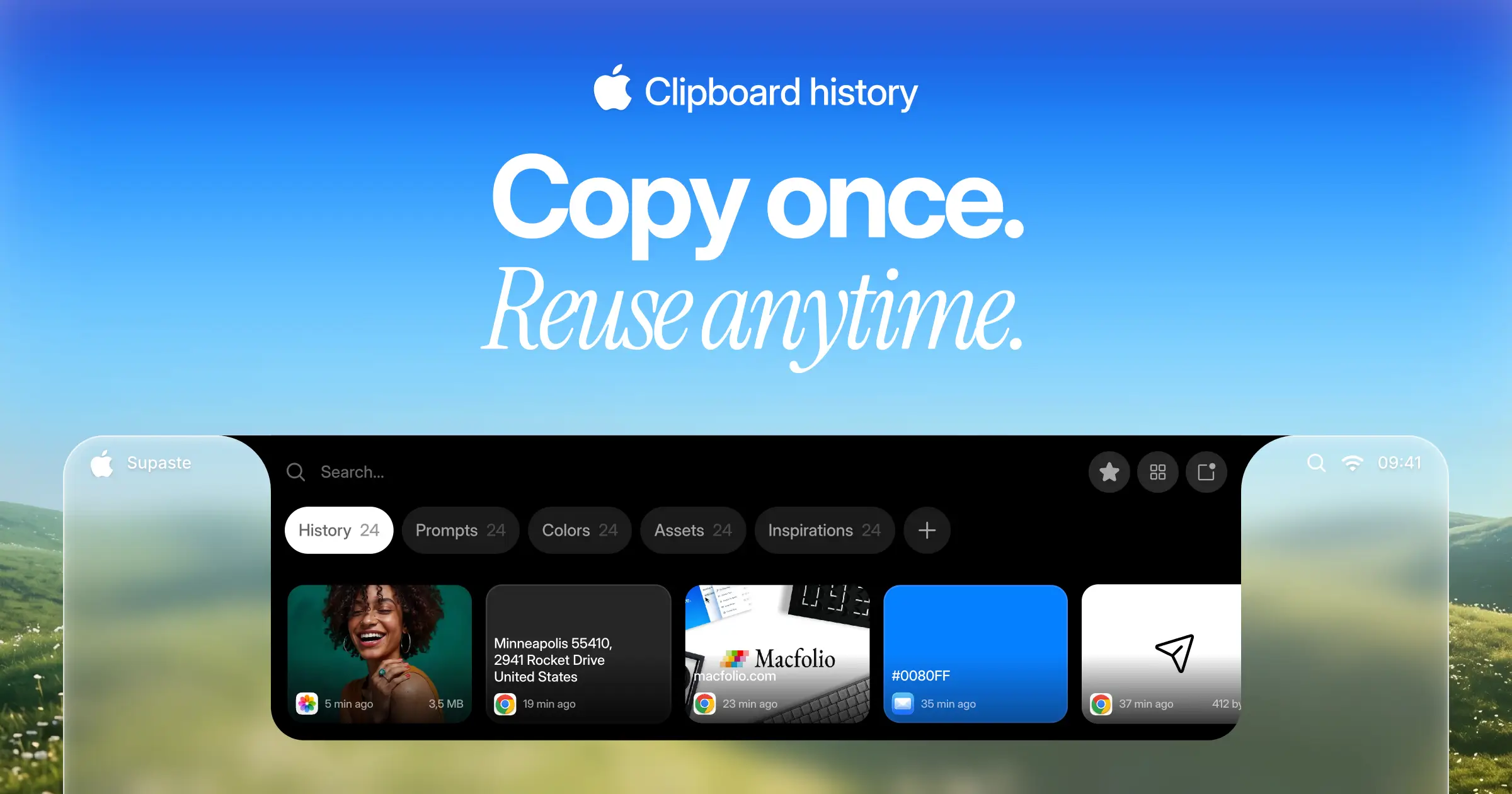
A good clipboard manager is one of the biggest productivity upgrades you can add to macOS, and Supaste takes the idea much further than simply storing copied text.
Supaste automatically saves your clipboard history, including text, links, images, screenshots, files, code, and colors. You can search your previous clipboard items, organize them into collections, browse them visually, and quickly paste them back into any app. It also includes OCR for recognizing text inside images and screenshots.
For designers, developers, marketers, and anyone who constantly moves information between apps, Supaste can save a surprising amount of time.
Why it stands out: It transforms your Mac clipboard into a visual, searchable workspace rather than a simple list of copied items.
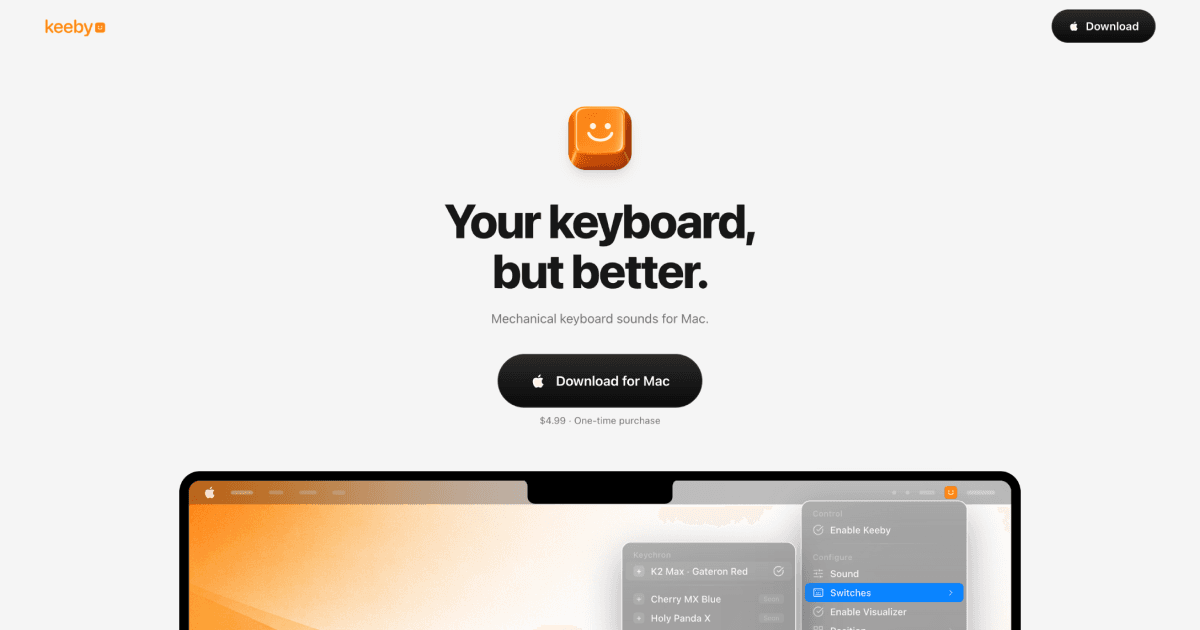
3. Keeby — Mechanical Keyboard Sounds for macOS
Best for: Keyboard enthusiasts and making typing more satisfying
Keeby is a simple but fun Mac utility that adds mechanical keyboard sounds to your typing experience.
It is the kind of small macOS app that does one thing and makes using your Mac a little more enjoyable. It can be especially appealing if you enjoy the sound and feeling of mechanical keyboards but regularly work from a MacBook keyboard or a quieter setup.
Why it stands out: A small, focused utility that adds personality and satisfying audio feedback to everyday typing.
Explore Keeby: macapp.supply/app/keeby
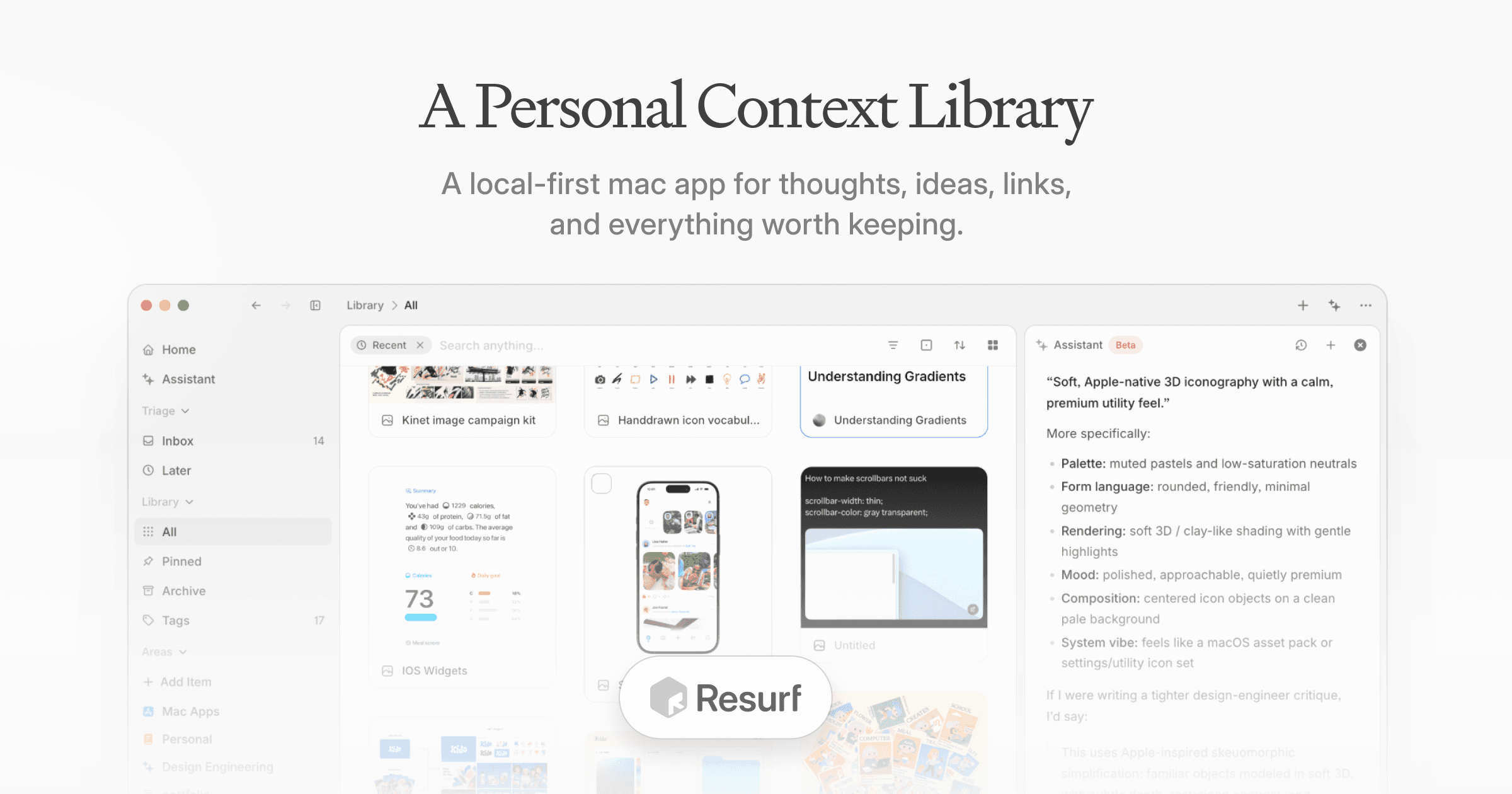
4. Resurf — Save Ideas, Links, and Inspiration
Best for: Personal knowledge, inspiration, links, and quick capture
Resurf is a personal library and quick capture tool designed to help you save thoughts, ideas, links, visuals, and other useful things you discover throughout the day.
Instead of letting interesting websites, references, screenshots, and random ideas disappear across browser tabs and different apps, Resurf gives them a dedicated place where you can return to them later.
It is a particularly interesting Mac productivity app for designers, creators, researchers, and anyone who regularly collects inspiration.
Why it stands out: It creates a dedicated home for the ideas and discoveries you would otherwise forget.
Explore Resurf: macapp.supply/app/resurf
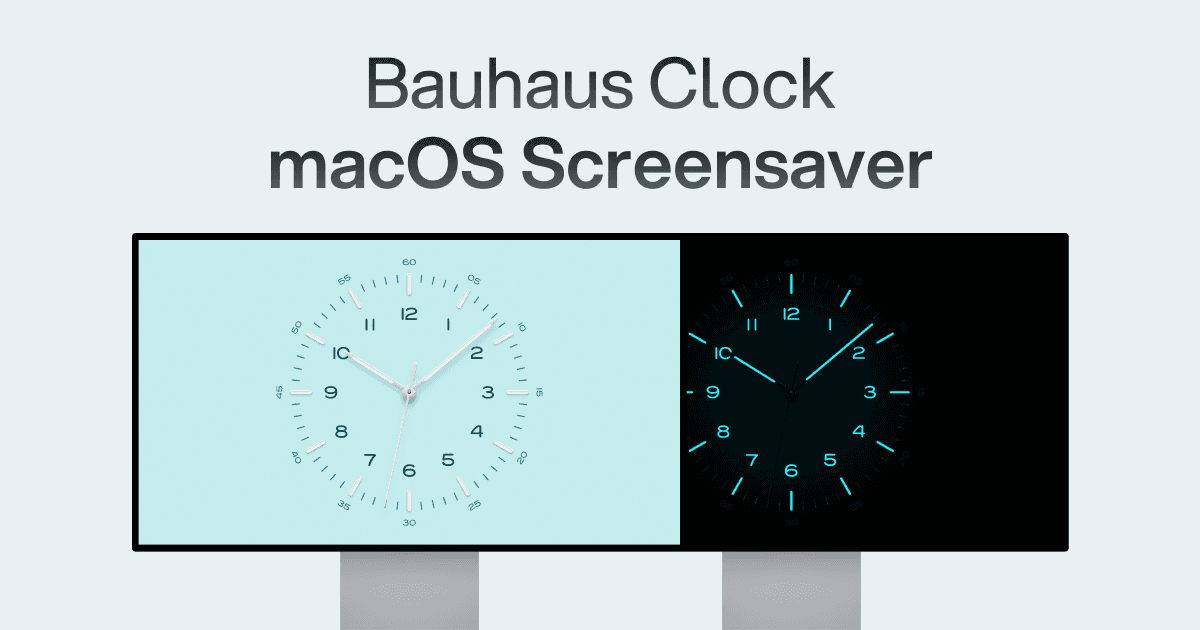
5. Bauhaus Clock — A Beautiful Clock Screensaver for Mac
Best for: Minimalist Mac setups and desk aesthetics
Not every great Mac app needs to be about productivity.
Bauhaus Clock is a premium clock screensaver for Mac with a design inspired by the timeless visual language of Bauhaus. It is also available as an app for iPhone and iPad.
It is an excellent addition to a clean desk setup, particularly if your Mac or external display remains visible while you are not actively using it.
Why it stands out: It turns an idle Mac display into a beautifully designed part of your workspace.
Explore Bauhaus Clock: macapp.supply/app/bauhaus-clock
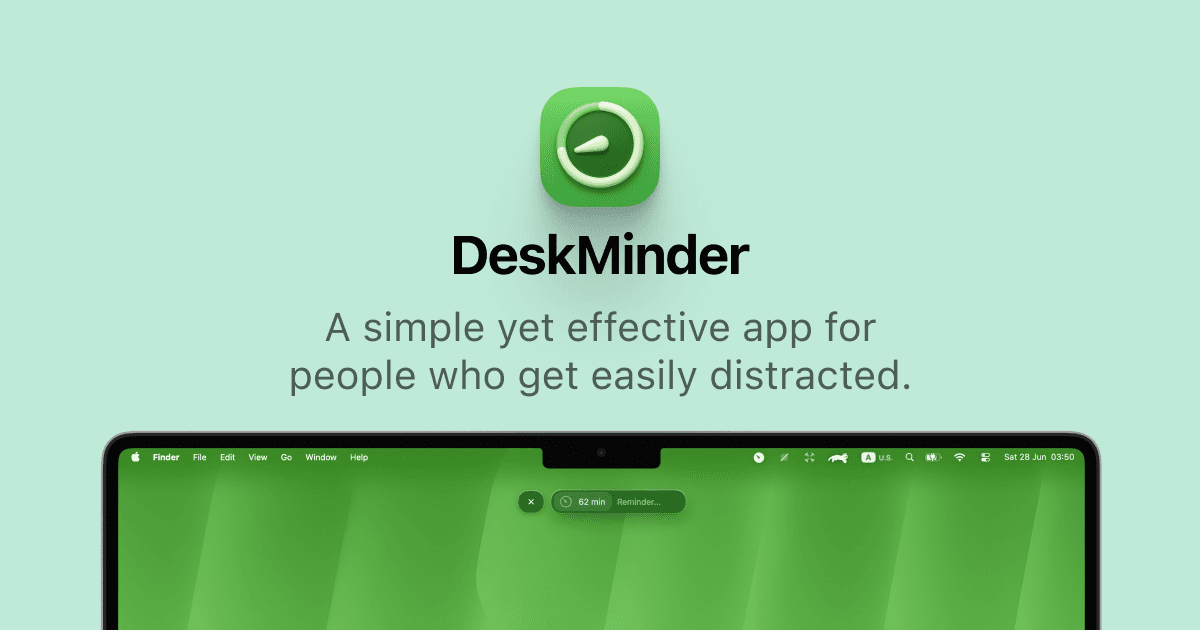
6. DeskMinder — Quick Desktop Reminders
Best for: Simple reminders you do not want to forget
DeskMinder is a lightweight productivity app that lets you create quick desktop reminders with a single click.
Instead of opening a full task manager, creating a project, choosing a deadline, and organizing another inbox, you can quickly put an important reminder where you will actually notice it.
For small tasks and temporary reminders, that simplicity can be exactly what you need.
Why it stands out: It removes the unnecessary complexity that often comes with traditional task management apps.
Explore DeskMinder: macapp.supply/app/deskminder
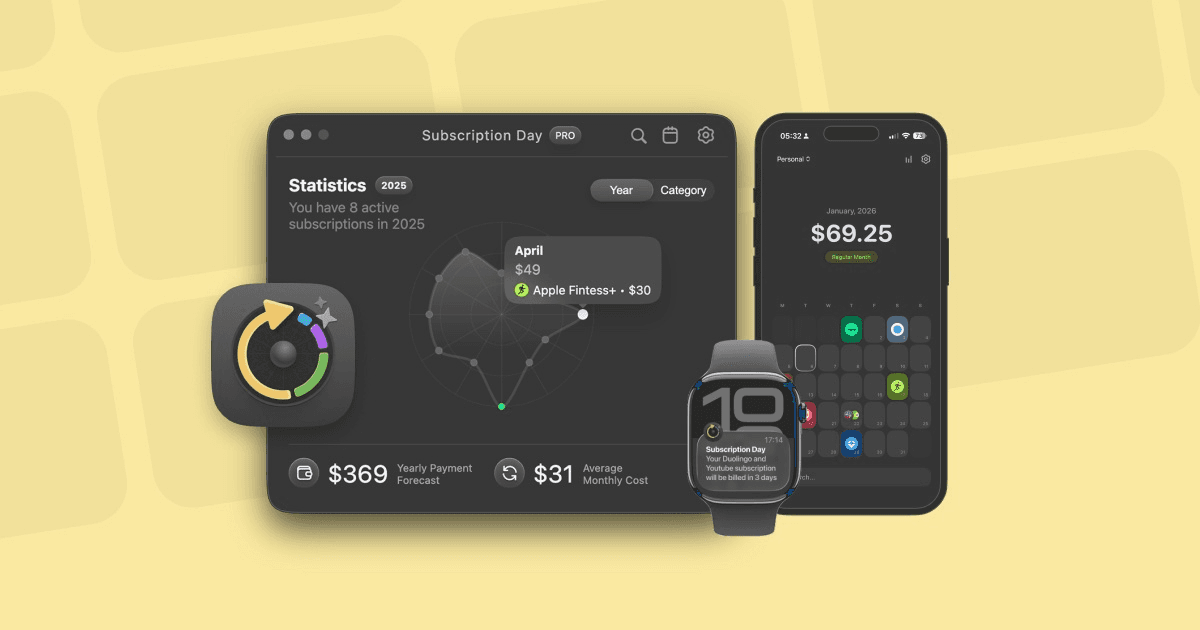
7. Subscription Day — Keep Track of Your Subscriptions
Best for: Managing recurring payments and subscription spending
It is easy to sign up for software, streaming services, and online tools. Remembering everything you are still paying for is much harder.
Subscription Day helps you keep track of your paid subscriptions and analyze your subscription statistics from your Mac.
Having a clear overview of recurring payments can help reveal forgotten subscriptions and make it easier to understand how much you are actually spending every month.
Why it stands out: It gives your recurring subscriptions a dedicated place instead of leaving them scattered across emails and bank statements.
Explore Subscription Day: macapp.supply/app/subscription-day

8. Waterlemon — Create Icons for Apps and Websites
Best for: Designers, developers, and indie makers
Waterlemon is a design utility for creating icons for apps and websites.
For indie developers and designers who regularly need app icons, website assets, and visual branding elements, having a focused native tool can make the process faster and more convenient.
It is a useful addition to a Mac design toolkit, particularly for people building and shipping their own digital products.
Why it stands out: It focuses specifically on making icon creation easier for apps and websites.
Explore Waterlemon: macapp.supply/app/waterlemon
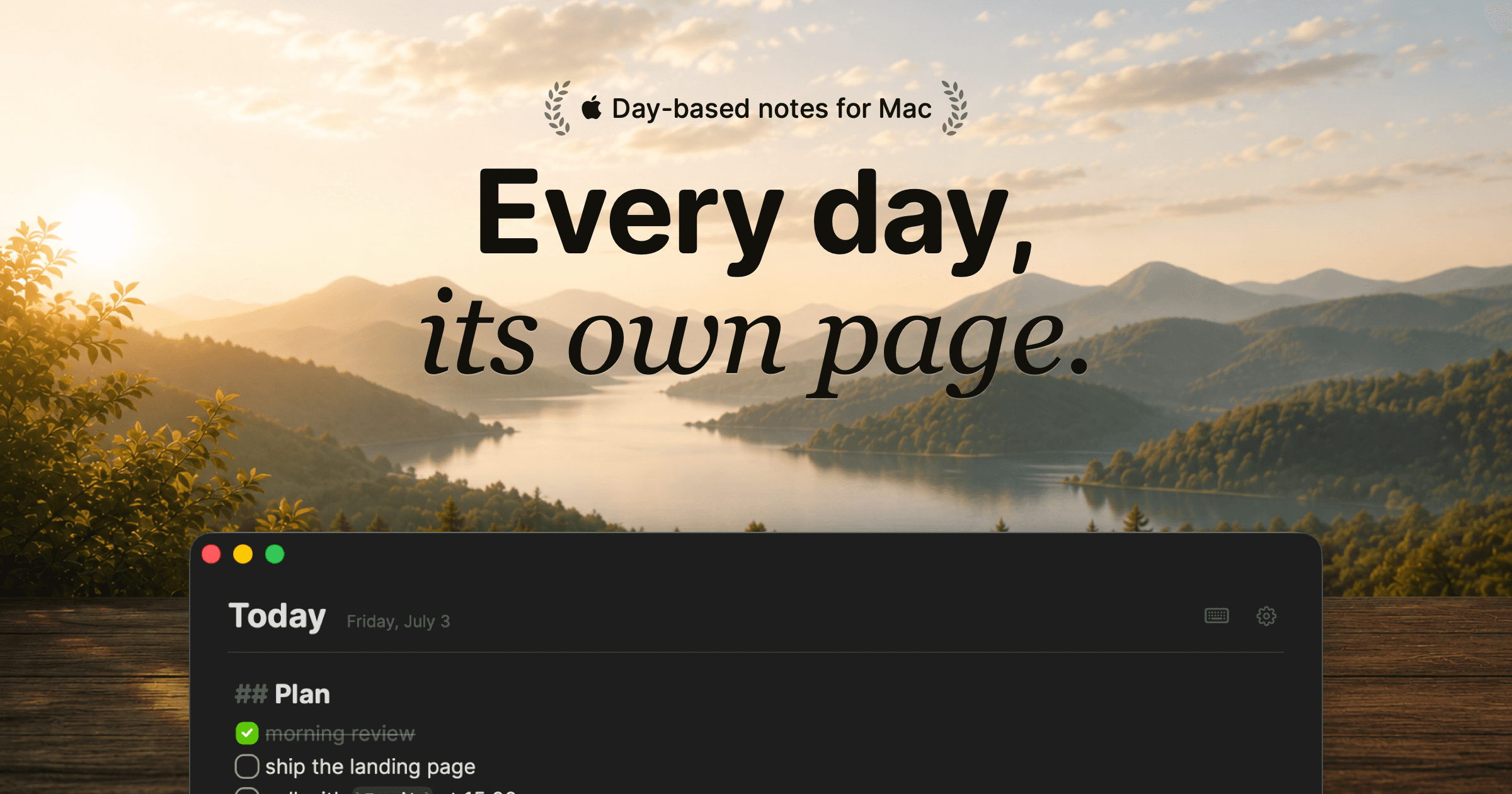
9. Hejour — A Calm Daily Notes App for Mac
Best for: Daily notes, work logs, journaling, and quick capture
Hejour takes a refreshingly different approach to note-taking. Instead of asking you to organize everything into folders and tags, every day automatically becomes its own page.
Open the app and today's page is already waiting. You can add meeting notes, ideas, todos, links, and quick thoughts as your day unfolds. Unfinished todos can carry forward automatically, while search and calendar navigation help you find information from previous days.
Hejour is also local-first, with notes stored as files on your Mac and optional iCloud sync.
For anyone who has created an elaborate note-taking system only to stop maintaining it a few weeks later, Hejour offers a compelling alternative.
Why it stands out: You never need to decide where a note belongs. Everything simply starts with today.
Explore Hejour: macapp.supply/app/hejour

10. Compresto — Compress Videos, Images, GIFs, and PDFs
Best for: File compression, creators, developers, and marketers
Compresto is one of those practical Mac utilities that can quickly become part of your everyday workflow.
The native macOS app can compress videos, images, animated GIFs, and PDF files while aiming to preserve visual quality. It supports batch processing, customizable compression settings, and watched folders that can automatically compress newly added files. Processing happens directly on your Mac.
Whether you are optimizing images for a website, reducing a video before uploading it, or trying to shrink a large PDF, Compresto gives you one dedicated tool for multiple file formats.
Why it stands out: Instead of using different compression websites and utilities, you can handle multiple file types from one native Mac app.
Explore Compresto: macapp.supply/app/compresto
Which Mac Apps Are Worth Installing in 2026?
The best Mac apps are often not the biggest or most complicated ones. The most useful apps solve a specific problem so naturally that they eventually feel like they should have been built into macOS in the first place.
For a more productive Mac setup, Cooldock can create a new customizable workspace around your Dock, while Supaste dramatically improves how you manage everything you copy and capture.
For organizing information, Resurf helps collect inspiration and ideas, while Hejour offers a simpler approach to daily notes.
Smaller macOS utilities like Compresto, DeskMinder, Subscription Day, Waterlemon, and Keeby each solve focused problems without adding unnecessary complexity.
And sometimes, the best Mac apps simply make your computer nicer to use — which is exactly where something like Bauhaus Clock fits in.
Discover More of the Best macOS Apps
There are thousands of Mac apps available, but finding the genuinely useful and beautifully designed ones can be difficult.
MacApp Supply is a curated collection of macOS apps across productivity, design, development, writing, utilities, finance, AI, and more.
Explore MacApp Supply to discover more of the best macOS apps, new Mac apps, productivity tools, menu bar apps, and hidden Mac utilities worth adding to your setup.






More blog posts
10 Best macOS Apps in 2026: Essential Apps for Every Mac User
Discover the best macOS apps in 2026, including must-have Mac productivity apps, useful utilities, clipboard managers, note-taking tools, widgets, and hidden gems for your Mac.
10 Best Free Notion Templates for Personal Life in 2026
Explore 10 free Notion templates for personal life—planning, goals finance, journaling, wellness, and more—to organize your days and habits.

The AI-Powered Revolution in Personal Photo Generation
GenYOU stands out in the realm of AI-powered image generation due to its unparalleled ability to maintain facial consistency across multiple styles and settings.

20+ Free Aesthetic Notion Templates for 2025
Explore over 20 Free Aesthetic Notion templates that will elevate your workspace into a visually appealing and efficient hub.
Most Popular Notion Templates
NEW
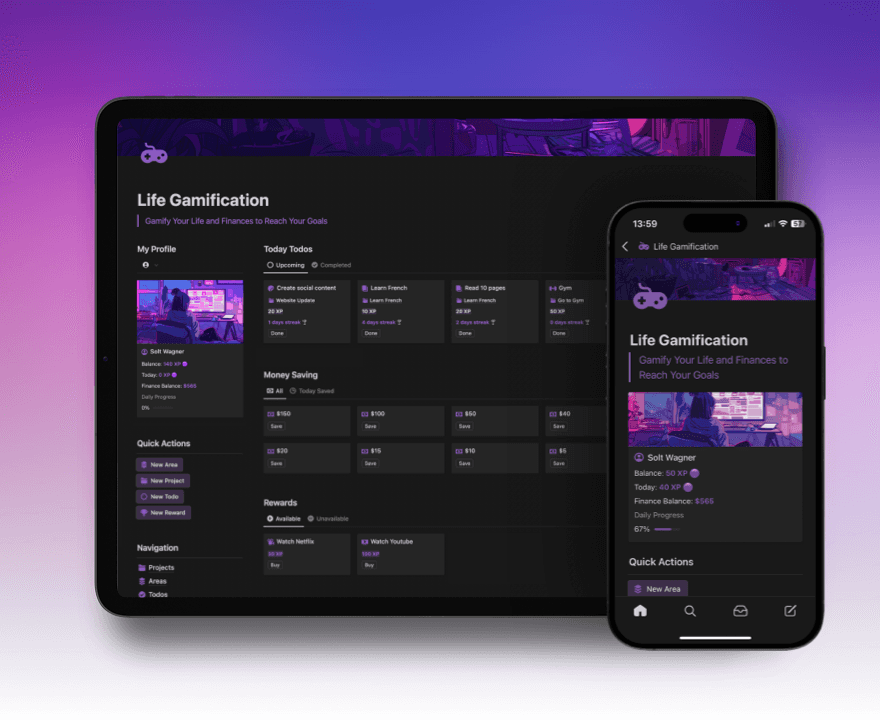
Notion Life Gamification
Gamify your Life and Finances to Reach your Goals with Notion
$31
$39
20%

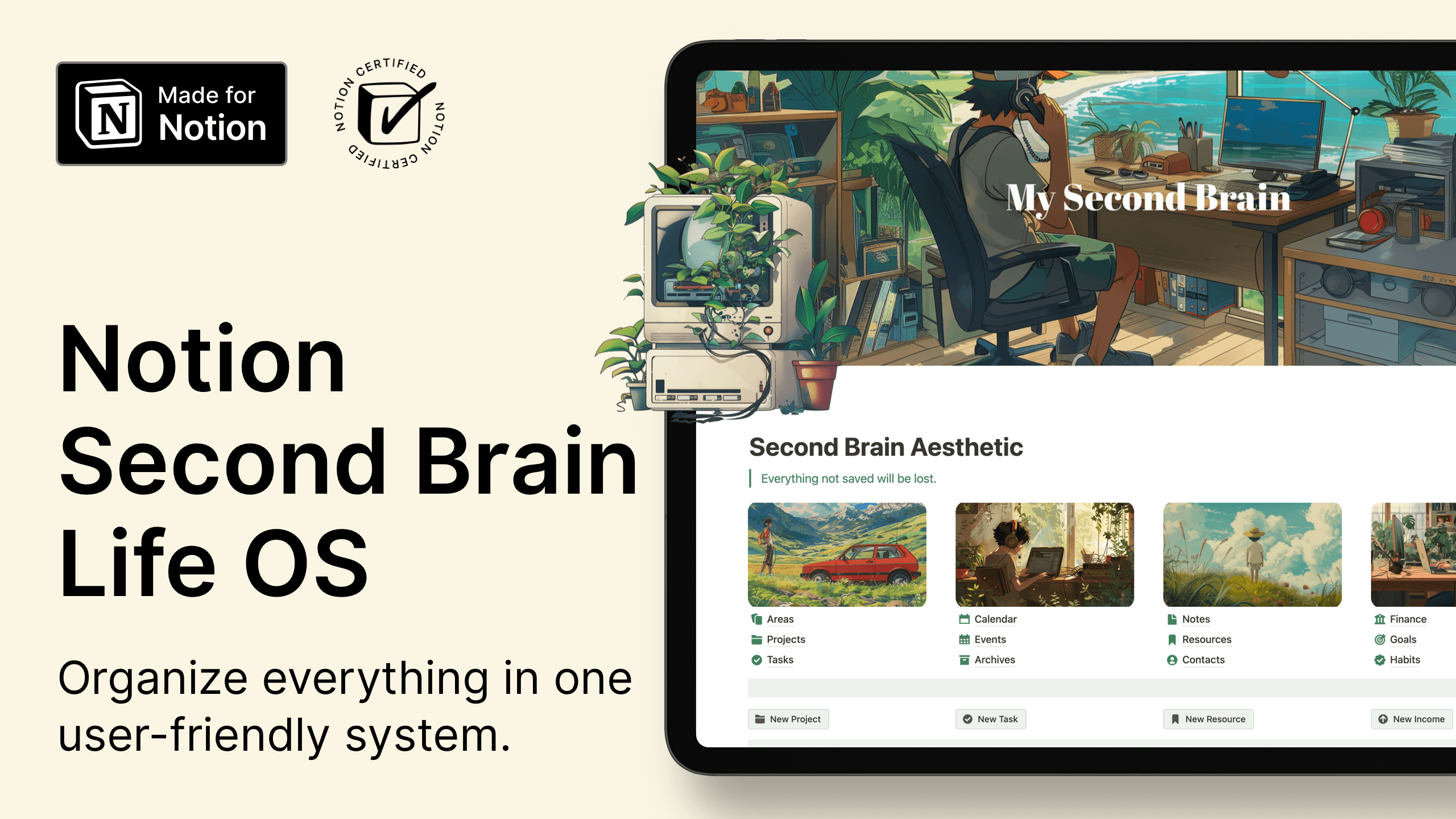
Notion Second Brain Life OS
Organize your life with Notion Second Brain template
$41
$59
30%
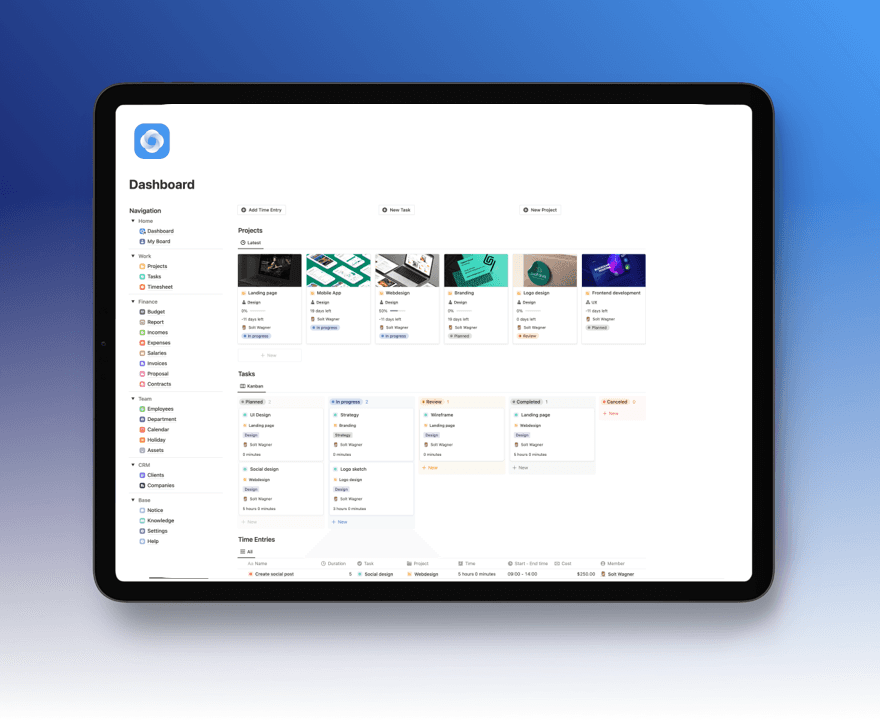
Notion Intranet Business OS
Manage Project Success from Quote to Cash!
$39
$49
20%
Notion Ultimate Life Planner
Your All-in-One Solution for Productivity, Wellness, and Personal Growth
$39
$49
20%
New Free Notion Templates
NEW
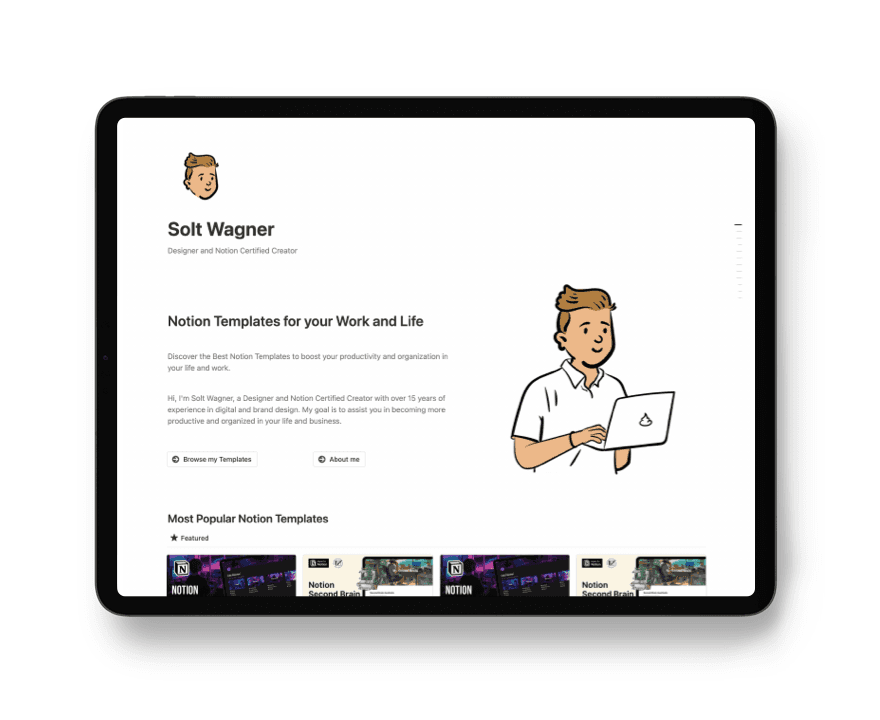
Notion Website Template
Build your website with Notion: show projects, showcase yourself, write blog
Free
Get the Template
NEW
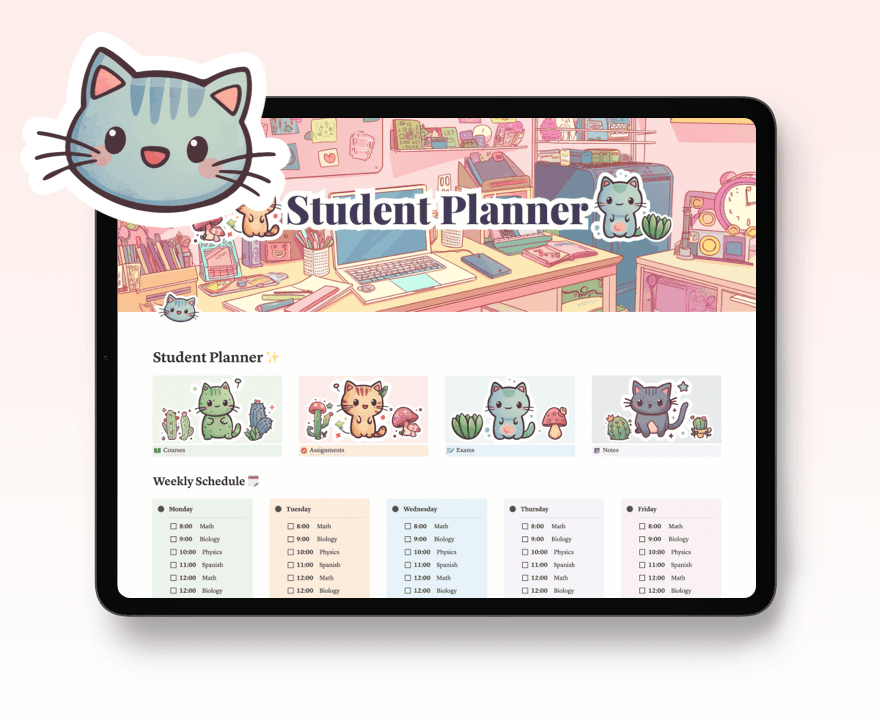
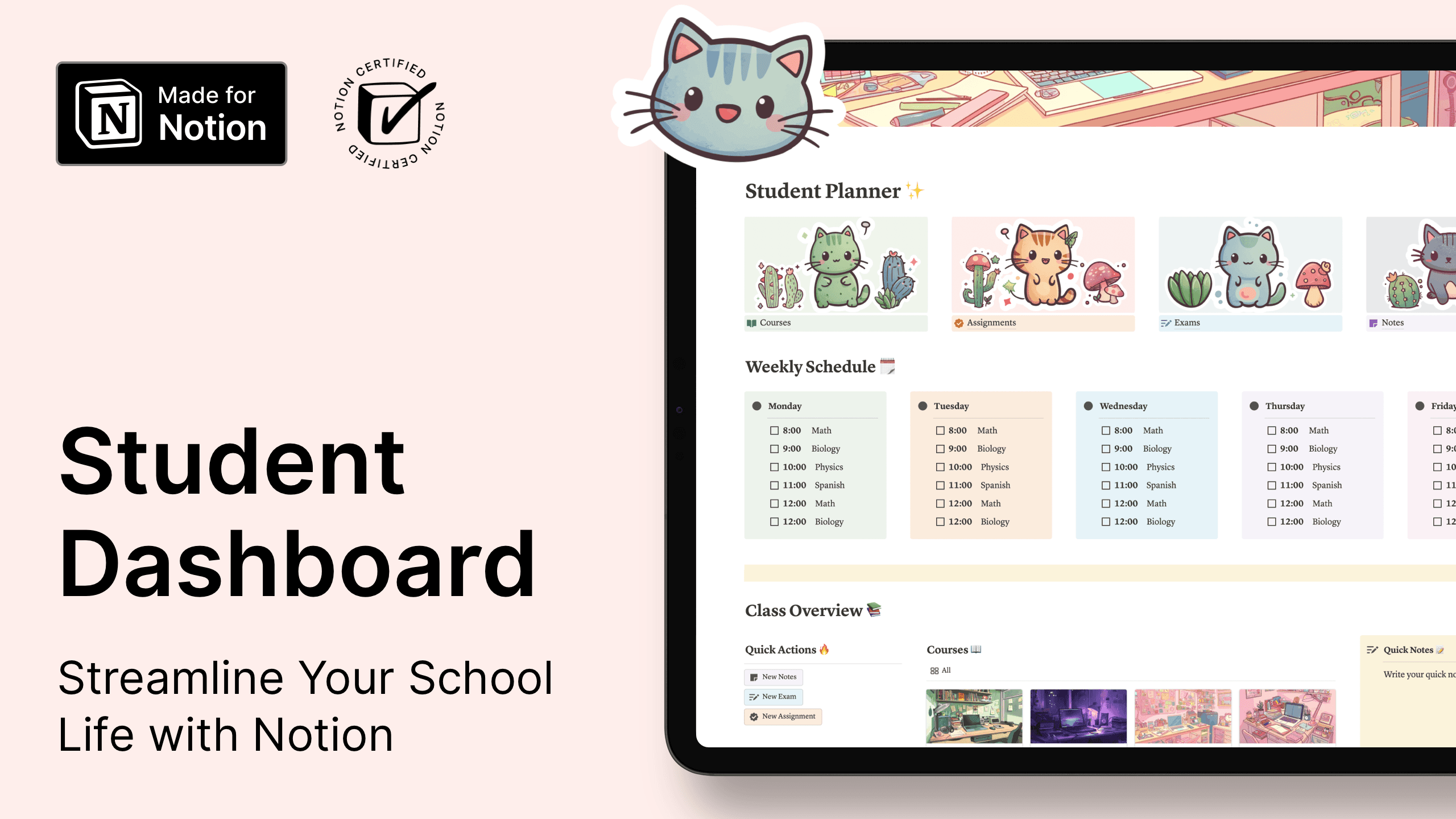
Notion Student Dashboard & School Management
Streamline Your School Life with Notion
Free
Get the Template
NEW

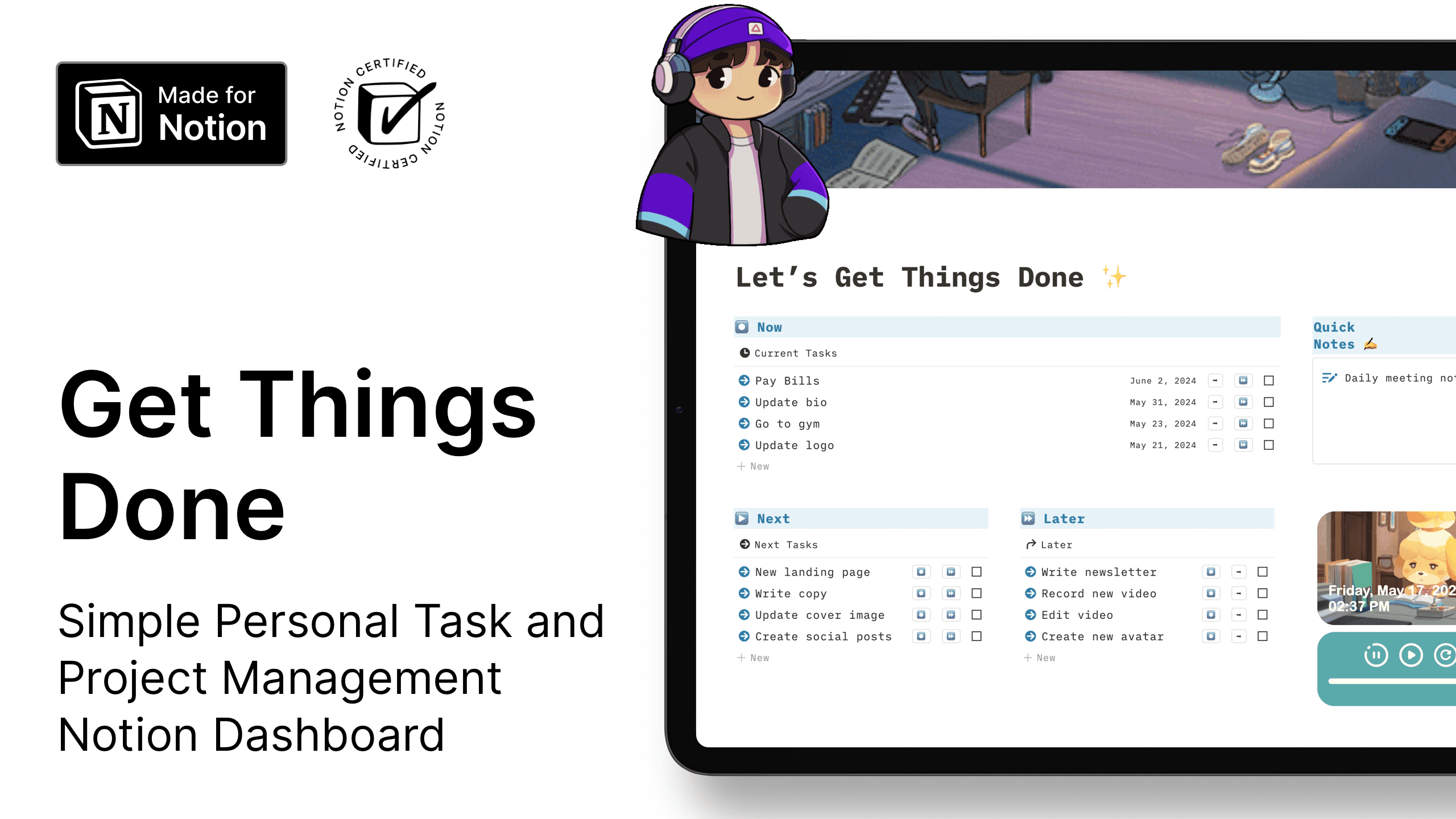
Notion Get Things Done (GTD) Dashboard
Simple Personal Task and Project Management Notion Dashboard
Free
Get the Template
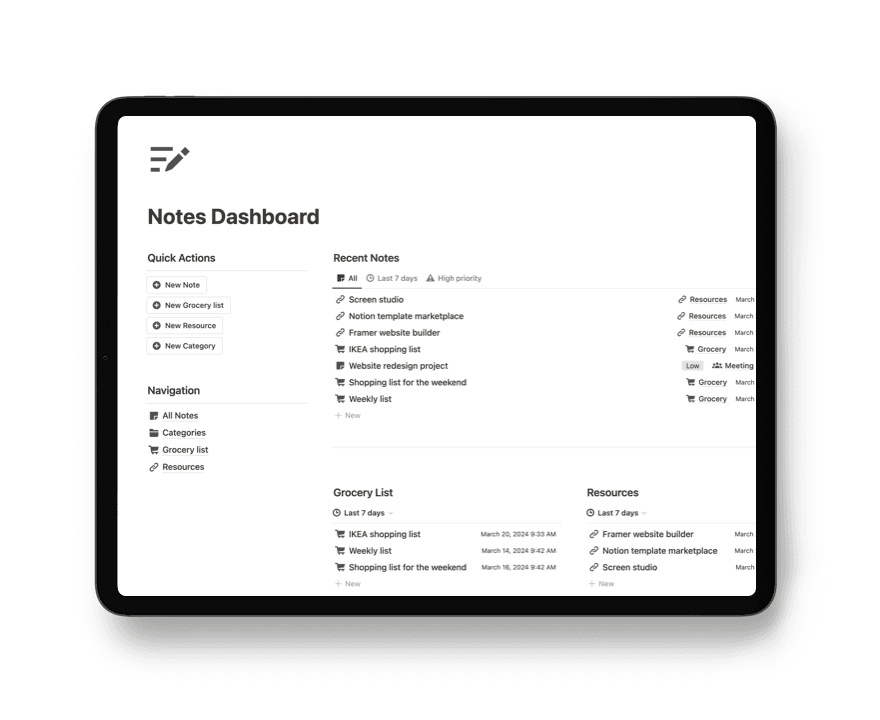
Notion Notes Dashboard
Organize all your notes in one place
Free
Get the Template